Skip to content
Collectby IKANISA
Group SavingsInsuranceCRaaSCommunity GroupsOur PartnersTrust & Security
Get the App Email Collect support
Get the App

ACCOUNT AND DATA DELETION

Delete your Collect account.

You may request deletion of your Collect account and associated eligible personal data.
Get the App Email Collect support
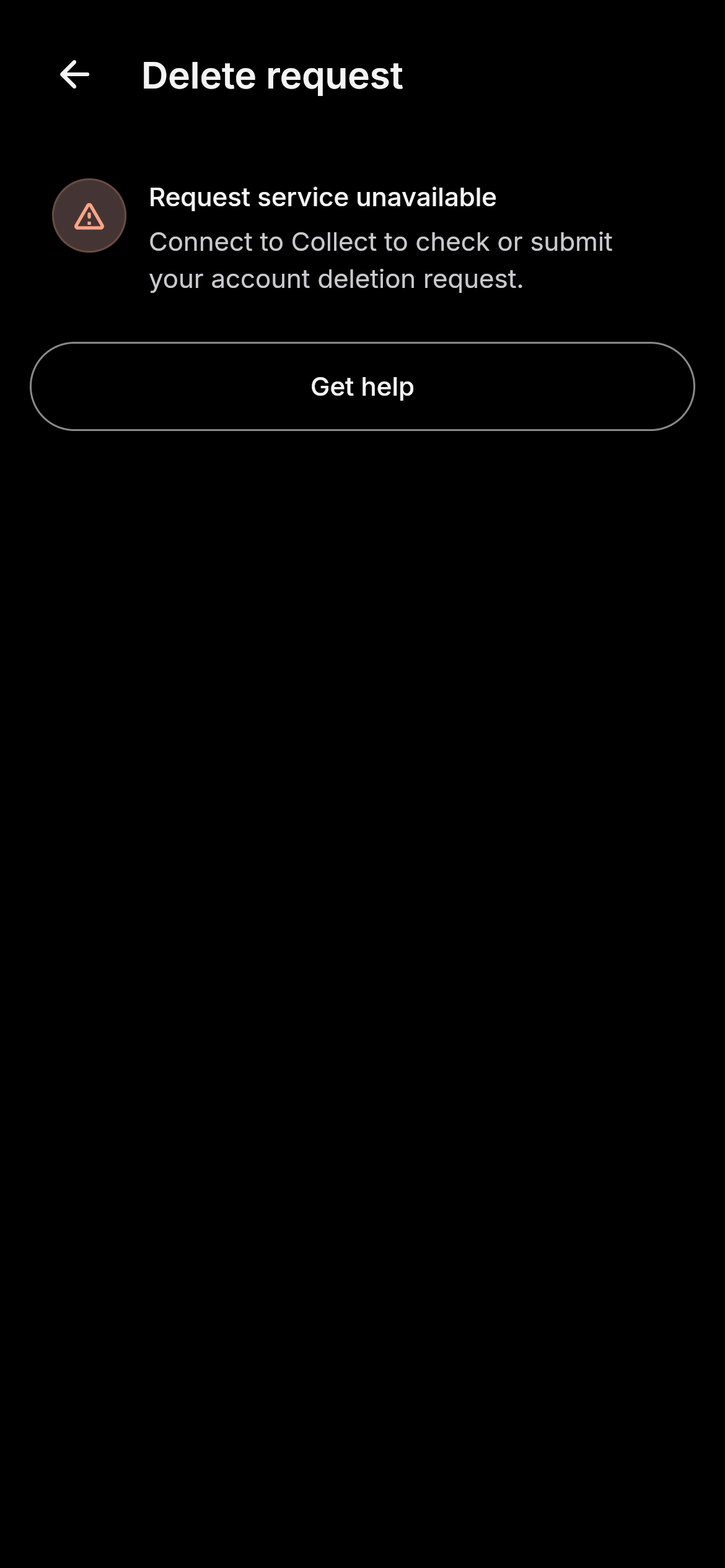
Collect account deletion request unavailable without a configured signed-in service, with a Get help action
Collect interface preview · Example data

Collect records contributions and does not hold customer funds. A deletion request does not move money, reverse a provider payment or confirm that records have been erased.

Delete in the app

Settings → Security → Delete data

  • Open Collect and sign in.
  • Go to Settings.
  • Select Security.
  • Select Delete data.
  • Choose a reason if you want to provide one.
  • Select Send verification code.
  • Enter the code sent to the phone number or confirmed email used for your Collect account and select Verify code.
  • If verification is unavailable, select Get help.
  • Select Submit request.
  • Review the confirmation and select Submit request.
  • Check or refresh request status in the app.

Delete without the app

Contact Collect support to request account deletion. You do not need to reinstall the app to submit a deletion request.

Email: info@ikanisa.com

Email help and follow-up

  • If no email app opens, copy info@ikanisa.com into your email service.
  • Keep a copy of your email. If sending fails, check your email service before trying again.
  • For a follow-up, reply in the same conversation and include any request reference already supplied.

A sent email is not an acknowledgement from Collect or confirmation of deletion.

Request Account Deletion

Start by emailing info@ikanisa.com. Support can agree a suitable identity-verification step. Do not email a MoMo PIN, password, one-time code, authenticator secret or identity-document image.

Collect ID, if known

Registered telephone number, if needed to locate the account

Reason or details you choose to provide

What happens next

  • Verify your identity before submitting your request.
  • Submit your request for review.
  • Keep your request reference. In the app, check or refresh request status; by email, reply in the same support conversation.

Submitting a request does not delete your account or records. Your account remains accessible while review is pending. Check request status or contact support for the outcome and any records that need to be retained.

You may need to complete these steps first

  • Resolve pending contribution records, reversals or disputes
  • Arrange a group-owner or administrator handover where required
  • Keep a copy of records you need
  • Discuss an active security investigation or legal hold with support

Data we may retain

  • Contribution, reconciliation and audit records where a justified retention basis applies
  • Account and security records needed for an active investigation
  • Records needed to resolve a dispute or legal claim
  • Records subject to an identified applicable retention obligation or legal hold

A deletion request is not confirmation that ledger records, profiles or secured backups have been erased. Ask support which records are retained and why.

Products provided by partners

Collect does not currently offer lending, insurance or credit-readiness handoffs. A request to Collect does not cancel an independent contract you hold with another provider. Contact that provider directly about its own records or products.

Need help?

Email
info@ikanisa.com

Download Collect or Get in Touch

Get the App Email Collect support
Collect by IKANISA

IKANISA Ltd.

IKANISA Ltd. is a technology company. Collect records group contributions; it is not a bank or wallet and does not hold customer funds. Credit and insurance directions require separate licensed-provider arrangements and are not available through the current app.

Support: info@ikanisa.com · WhatsApp+250 795 588 248

© 2026 IKANISA Ltd.. All rights reserved.

Privacy Terms Account deletion Data deletion Trust