
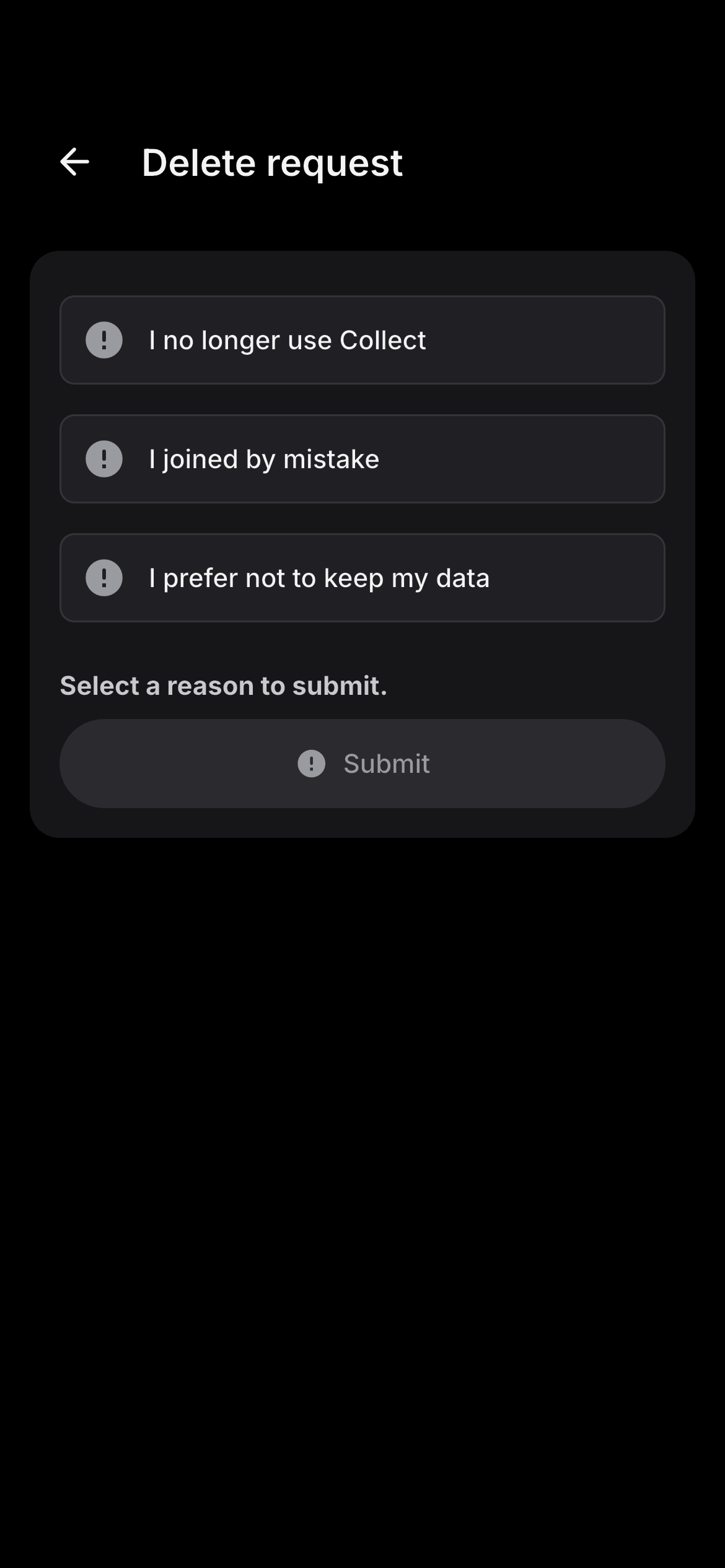
12. Account deletion and data deletion
Delete your account in the Collect app
- Open Collect
- Go to Profile
- Select Settings
- Select Privacy and Security
- Select Delete Account
- Review the consequences
- Verify your identity
- Confirm your request
Delete your account through the website
Use the public account-deletion page. You do not need to reinstall the app to submit a deletion request.
Link: /account-deletion
What happens after a deletion request
- We verify that the request comes from the account holder
- We explain any outstanding steps
- We restrict ordinary use of the account
- We delete or anonymise eligible personal data
- We notify relevant service providers where required
- We confirm completion
We aim to respond within 30 days or within the period required by applicable law.
What may need to happen first
- Withdraw or transfer any available balance through the partner institution
- Resolve pending contributions or reversals
- Transfer a group-administrator role
- Complete or cancel an active credit-readiness handoff
- Address an unresolved dispute or fraud investigation
What account deletion does not do
- Close a bank account
- Cancel a loan
- Remove a repayment obligation
- Cancel an insurance policy
- Cancel a subscription purchased through an app store
- Remove records held independently by a bank or insurer
Data we may retain
- Financial transaction and audit records
- KYC and AML obligations
- Accounting or tax compliance
- Fraud and security prevention
- Legal claims
- Regulatory reporting
- Protecting the rights of other group members
Where a ledger entry affects other members, the transaction record may remain while your profile is deleted, restricted or de-identified as far as legally and technically possible. Deleted information may remain temporarily in secured backups until those backups are overwritten under our backup schedule.